
Spring Flower Fundraiser
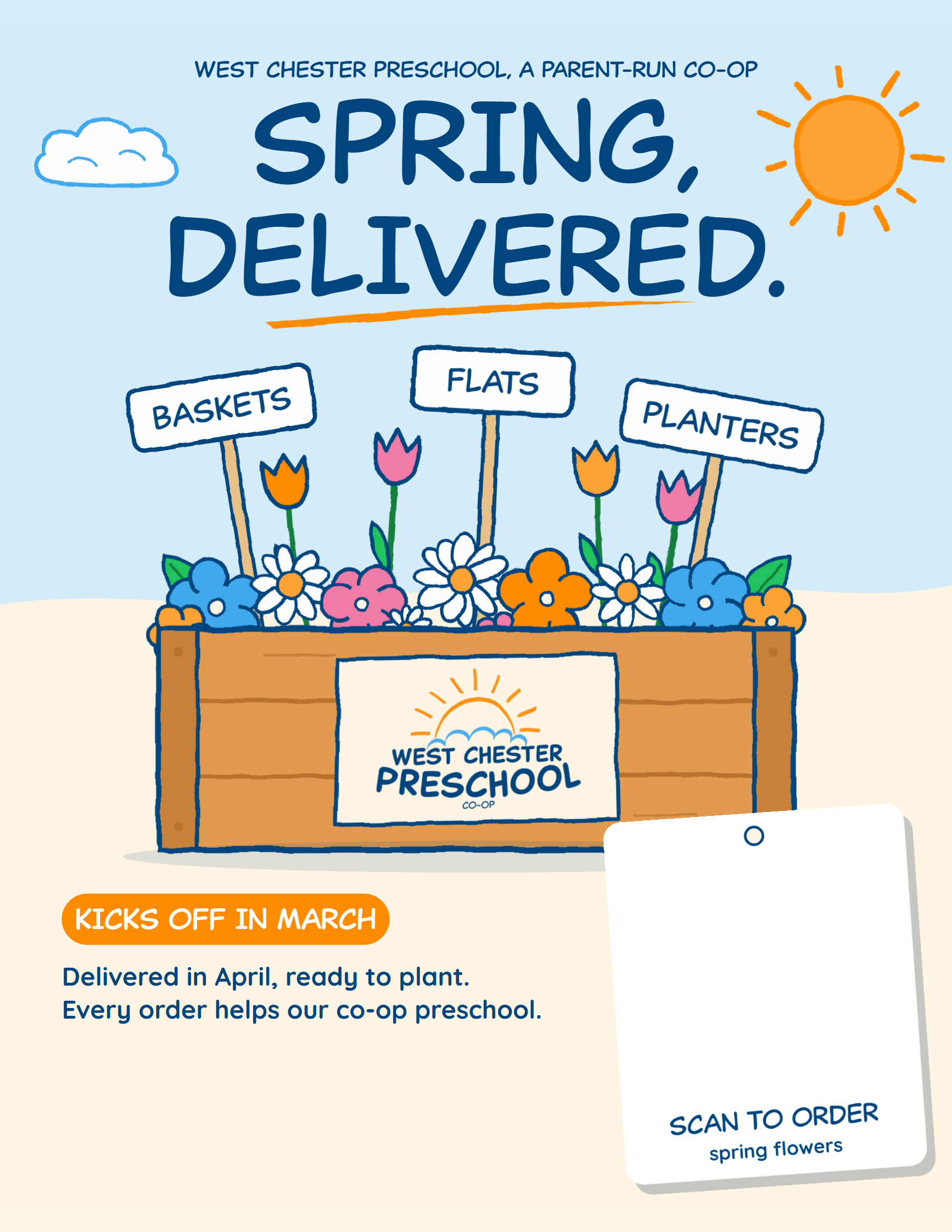
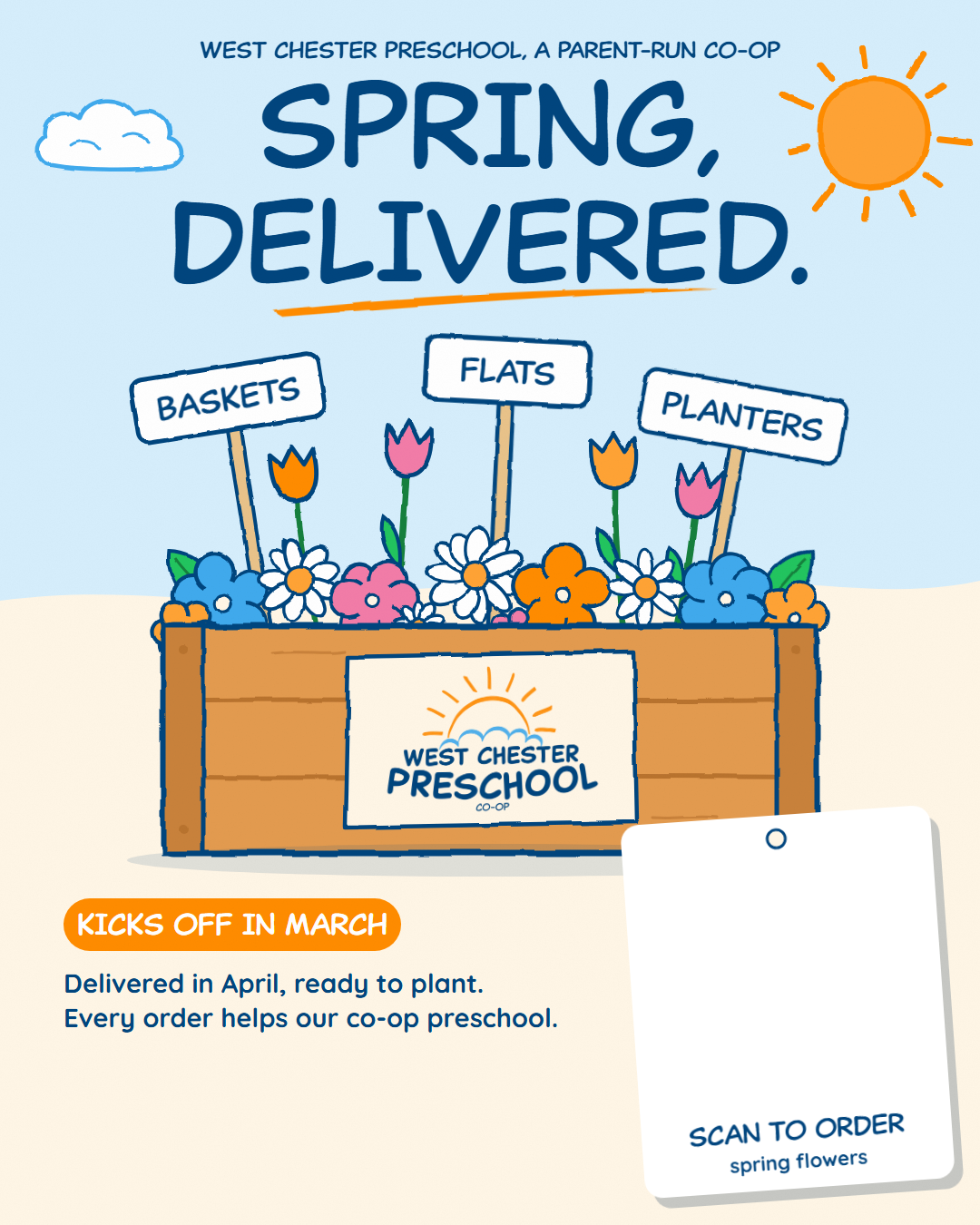
Spring, delivered.
Make your own flyer with your own QR code in about a minute. Every scan opens your flower link, so every order counts toward your family's sales.
- Every order helps WCP
- Delivered in April
- Kicks off in March
Make your flyer
Paste your link, pick a format, save. Your code goes on the hang tag, and we check it scans before you share it.
Paste your flower link
Where do I find my link?
Each family gets its own flower link from the school's fundraising team at fundraising@westchesterpreschool.org when the sale kicks off. Open that email and copy your link. Can't find it? Check your spam folder, or email the team and they'll resend it.
Make it yours (optional)
Adds a "From the Rivera family" line to your flyer and messages. Kept on this device only.
Pick what to make
Which day are you posting it?
Your browser didn't save the file. Press and hold the flyer (or right-click it) and choose Save image.
Save it
On a computer? Scan this with your phone camera. The page opens there with your link already filled in, ready to text and post.
Your flower plan
Five small moments that do most of the selling. The dates are on the way; tap a card and the right flyer and message are ready.
- Day before
Tease it
Post the "starts tomorrow" story so friends know it's coming.
- Kickoff day
Kickoff
Text your link to family, and post the "starts today" story.
- During the sale
Put it up
Print a flyer for the fridge, your office, or a community board (ask first).
- Last day
Last call
Post the "last day" story and nudge anyone who said "later".
- After
Say thank you
A quick thanks to everyone who ordered. It's the nicest part, and they'll remember it next year.
Good questions
How do I know the QR code works?
This page reads the code back as soon as it draws it and tells you if it opens your link. You can also point your phone camera at the preview to try it.
Can I print it at home?
Yes. Choose Print flyer, then Save print PDF. It's sized for regular letter paper and prints fine in colour or black and white.
What can people order?
Last year's sale kicked off in early March and the flowers were delivered in April. This year's flowers and dates come with the March kickoff.
I don't have my link yet.
The preview shows this page's own code until you paste yours. The fundraising team sends each family its link from fundraising@westchesterpreschool.org when the sale kicks off.