
 Dine to Donate, City Barbeque
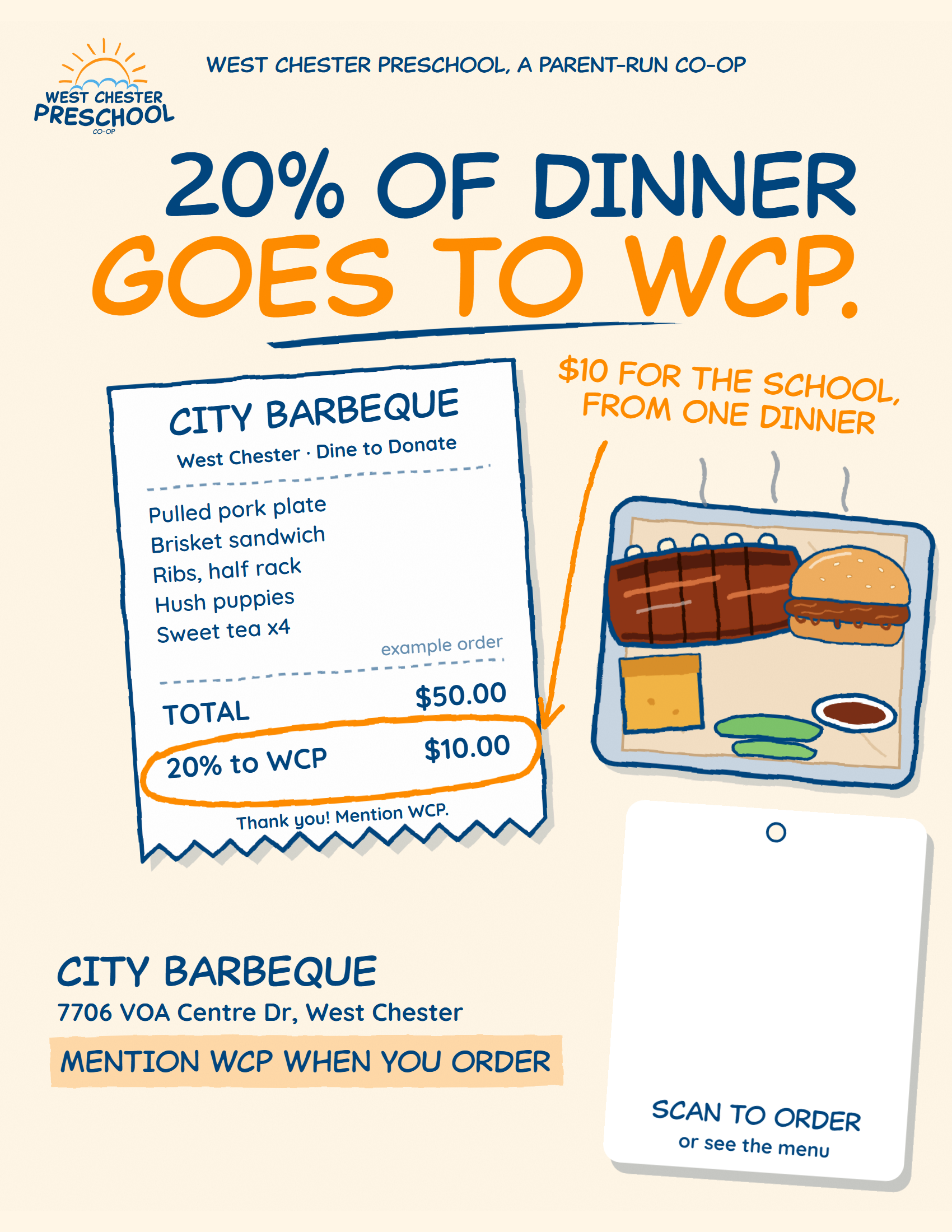
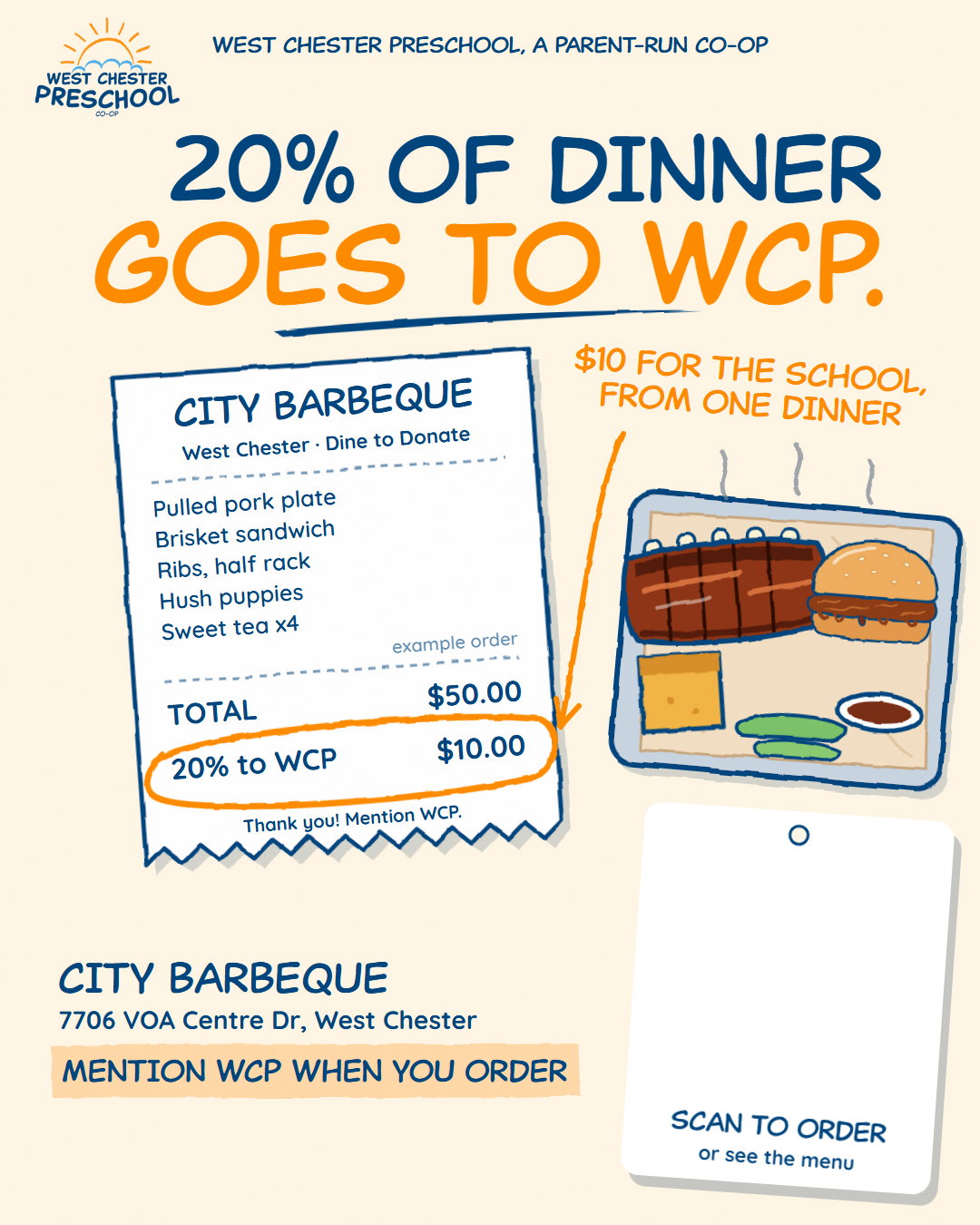
20% of dinner goes to WCP.
Make your own dinner invite in about a minute: a flyer signed from your family, with City Barbeque's menu on the tag. Then send it to your people.
- 20% of every order comes back to WCP
- 7706 VOA Centre Drive
- April, date to come
Make your flyer
Paste your link, pick a format, save. Your code goes on the hang tag, and we check it scans before you share it.
Sign it from your family
Make it yours (optional)
Adds a "From the Rivera family" line to your flyer and messages. Kept on this device only.
Pick what to make
Which day are you posting it?
Your browser didn't save the file. Press and hold the flyer (or right-click it) and choose Save image.
Save it
On a computer? Scan this with your phone camera. The page opens there with your link already filled in, ready to text and post.
Your dinner plan
Five small moments that fill the tables. The date is on the way; tap a card and the right flyer and message are ready.
- Now
Save the date
Post the flyer so friends can plan a night out.
- Any time
Put it up
Print a flyer for the fridge, your office, or a community board (ask first).
- Day before
Tomorrow!
Post the "tomorrow" story and text the grandparents.
- Day of
Tonight!
One more nudge in the group chats, then go eat. Mention WCP when you order.
- After
Say thank you
A quick thanks to everyone who came. They'll remember it next year.
One event with the address and "Mention WCP when you order". Send the same file to friends so it lands in their calendars too.
The calendar invite appears here once the date is set.
Good questions
Why is there no link to paste?
The code on the tag is the same for everyone: it opens City Barbeque's West Chester menu, where people can order online (that counts too). Your family name and class are what make the flyer yours.
Do people need a code or a flyer?
No. Just mention WCP when you order. If you order online or in the app, put West Chester Preschool where it asks which group to support.
How much goes to WCP?
20% of what you spend that day comes back to the school, whether you dine in, use the drive-thru, or order online for pickup.
Can I print it at home?
Yes. Choose Print flyer, then Save print PDF. It's sized for regular letter paper and prints fine in colour or black and white.